Overview
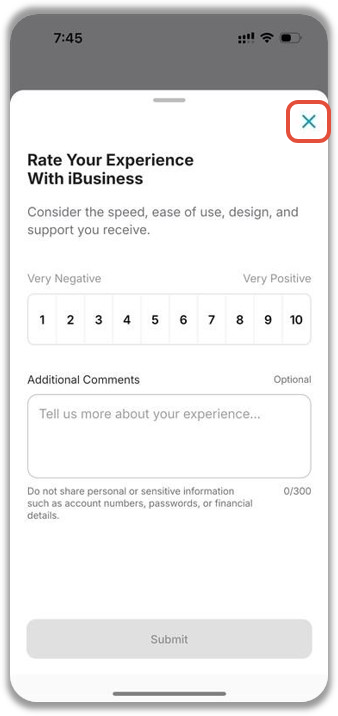
The Net Promoter Score (NPS) survey allows users to share feedback about their experience using the iBusiness Mobile App.
The survey may appear after completing a transaction, service request, approval, or other selected activities within the mobile application. Your feedback helps improve the iBusiness customer experience.
When Does the NPS Survey Appear?
After successfully completing a transaction or service request, an NPS feedback screen may be displayed.
The survey is optional and can be completed immediately or skipped.
Step 1: Rate Your Experience
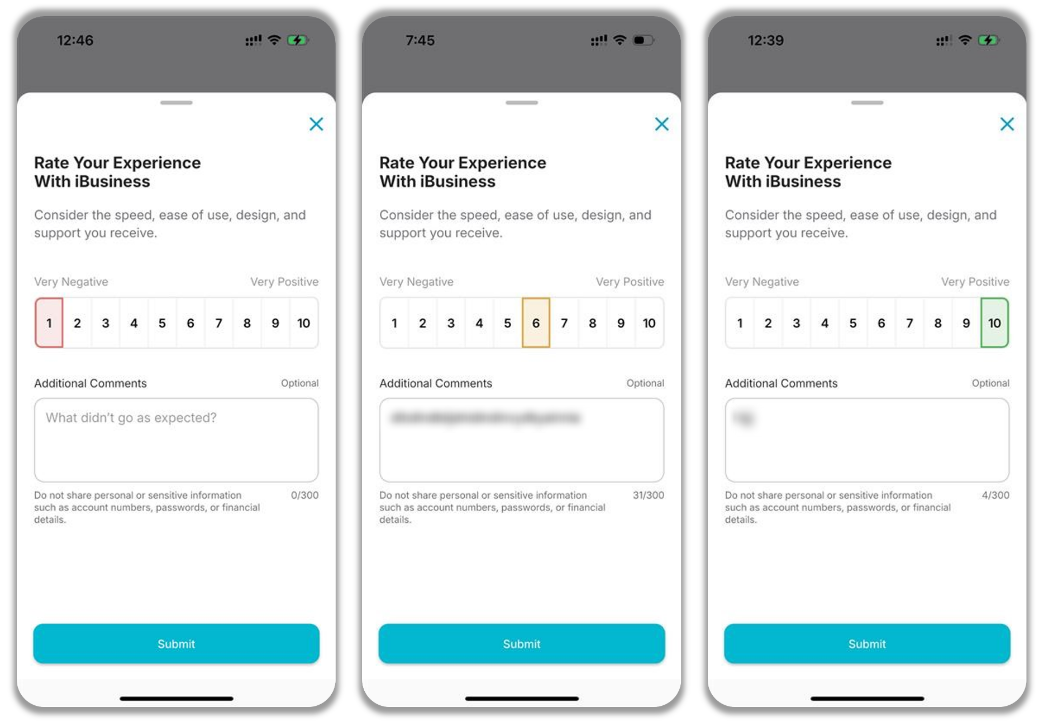
You will be asked:
"How likely are you to recommend iBusiness to a friend or colleague?"
Select a rating from 0 to 10 based on your experience.
- 0 = Not likely at all
- 10 = Extremely likely
Choose the score that best reflects your overall experience with the iBusiness Mobile App.
Step 2: Provide Additional Feedback
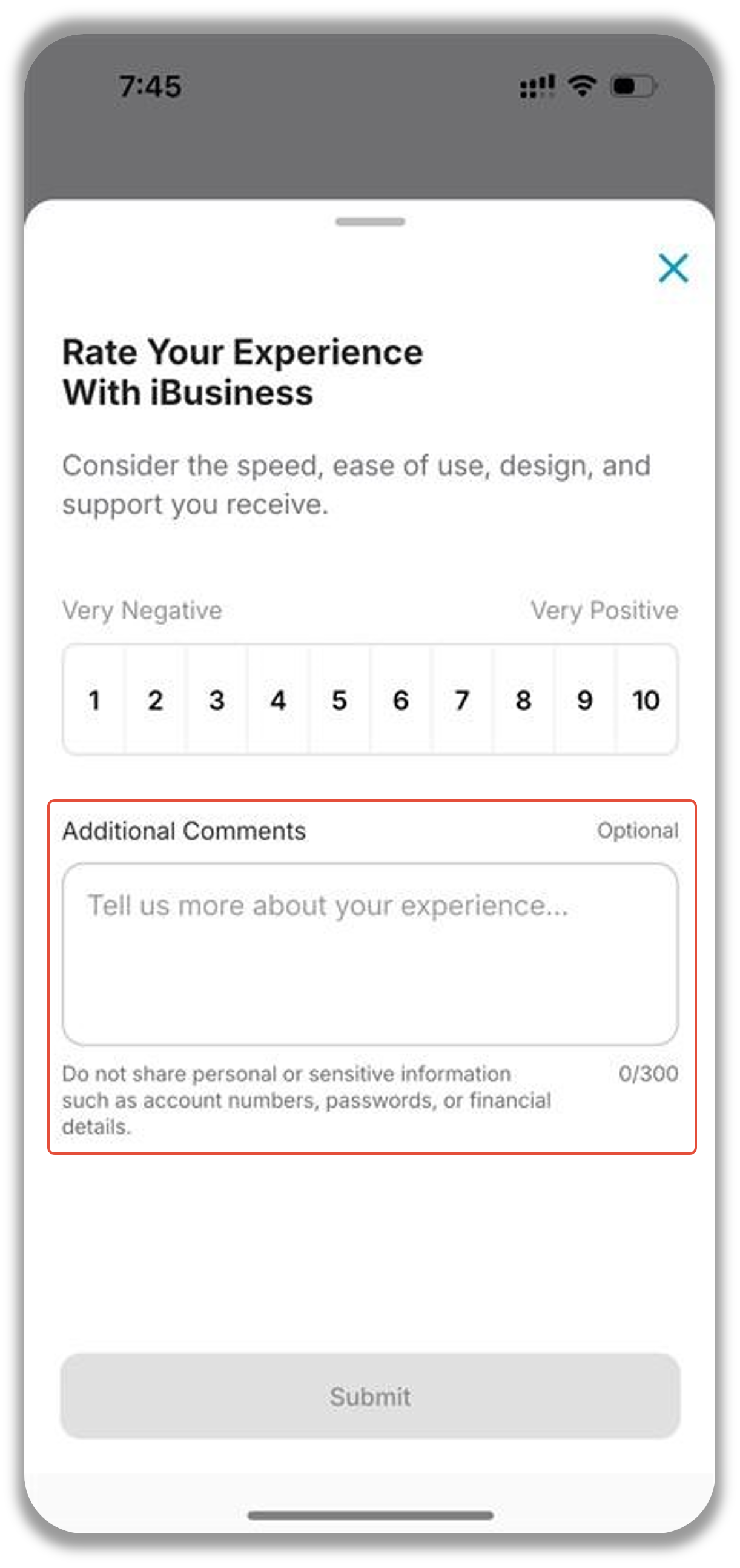
Use this field to share feedback about:
- Ease of use
- Transaction experience
- Mobile app performance
- Features and functionality
- Suggestions for improvement
- General comments about your experience
Feedback Confirmation
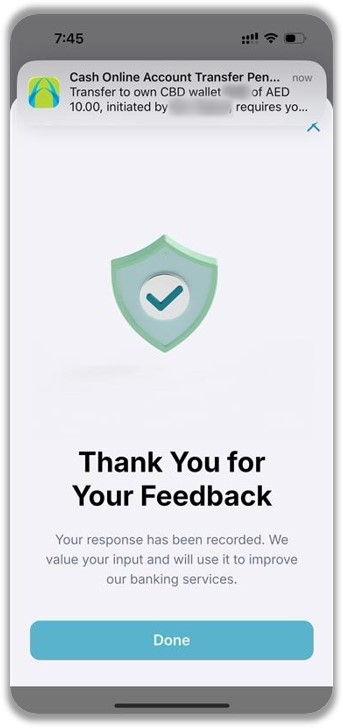
Once submitted, the system will display a confirmation message indicating that your feedback has been received successfully.
Skip Feedback
Providing feedback is optional.
If you do not wish to participate, you can select the cross icon  on the top right.
Skipping the survey will not affect your transaction, service request, approval, or access to any iBusiness Mobile App features.